
Brash for Mac
A native app for Apple silicon. Free while in preview — download it, open it, and connect your agent.

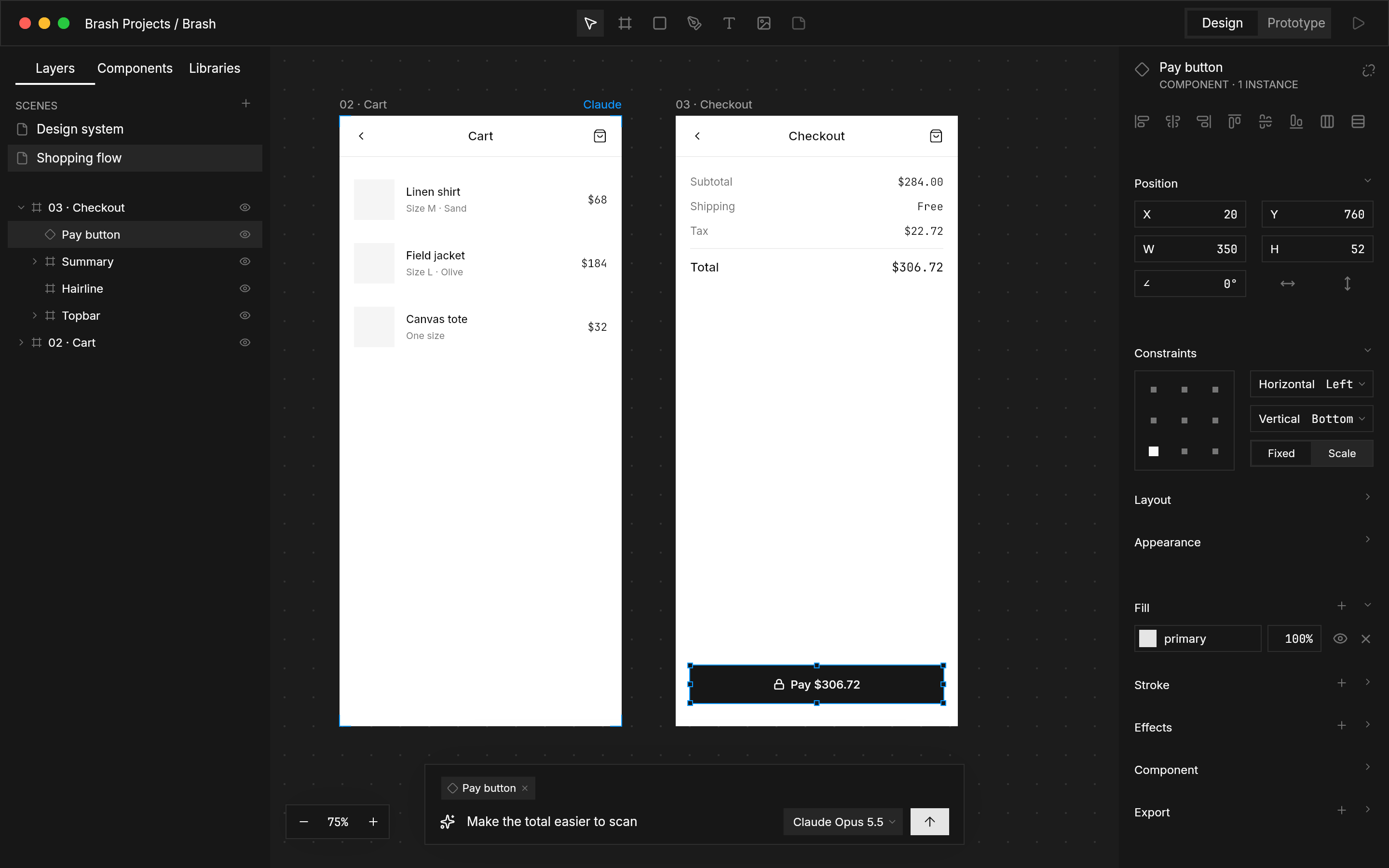
Brash, as designed in Brash.
Install in a minute.
- 01
Open the download
Drag Brash into Applications.
- 02
Open a folder
Choose where your .brash projects live.
- 03
Connect your agent
Pick Claude Code or Codex; Brash sets up MCP for it.
Windows and Linux are coming.
Native on each, like the Mac. The builds follow the Mac preview.
- macOSAvailable now
- WindowsComing soon
- LinuxComing soon
What you need.
- MacApple silicon (M1 or later)
- SystemmacOS 14 Sonoma or later
- AgentsClaude Code or Codex, over MCP
Brash connects your agent on first launch. Nothing to install by hand — the MCP reference lists every tool an agent can call.